Two-factor Authentication
From KB
Contents |
Overview
Two Factor Authentication is a great way to prevent unauthorized usage of your Charge Anywhere account. It will allow you to use a Mobile Phone, Smart Phone, or Tablet as an additional step to verify your identity when you log into the site. Contact your Merchant Service Provider if you would like to enable this feature for your account.
Getting Started

1. Login to the Charge Anywhere Transaction Manager
Navigate to https://www.chargeanywhere.com/TransactionManager/Login.aspx and enter the Username and Password provided in your activation emails.

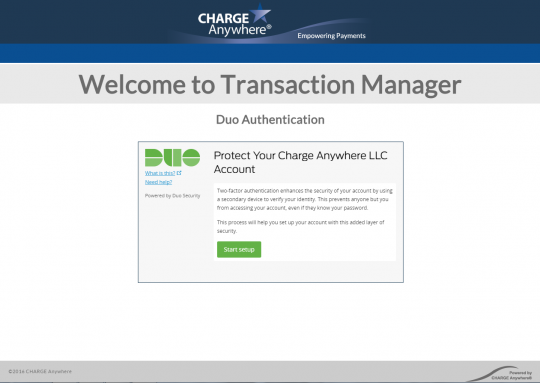
If your Merchant Service Provider has enabled Two Factor Authentication on your account you will see the screen on the left.
