CAFW Setup Wizard
From KB
The CHARGE Anywhere for Windows Setup Wizard will appear after launching the program for the first time after installation. The Setup Wizard will walk you step by step through the Setup menu. Click the link below an image for help with that screen.
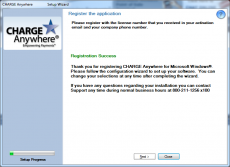
Click Next


Choose Auto Config, Manual Config or Click Next to skip

Choose a Windows Printer and click Next (Displays all printers recognized by Windows)


Configure Receipt Options and Click Next

Configure Transaction Options and Click Next
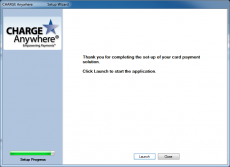
End of Setup Wizard. Click Launch to begin using the software.


